




Customer Reviews For The Honeywell Home RCHSIMV1 Smart Home Security Indoor MotionViewer
Overall Rating
Product Reviews
Product FAQs
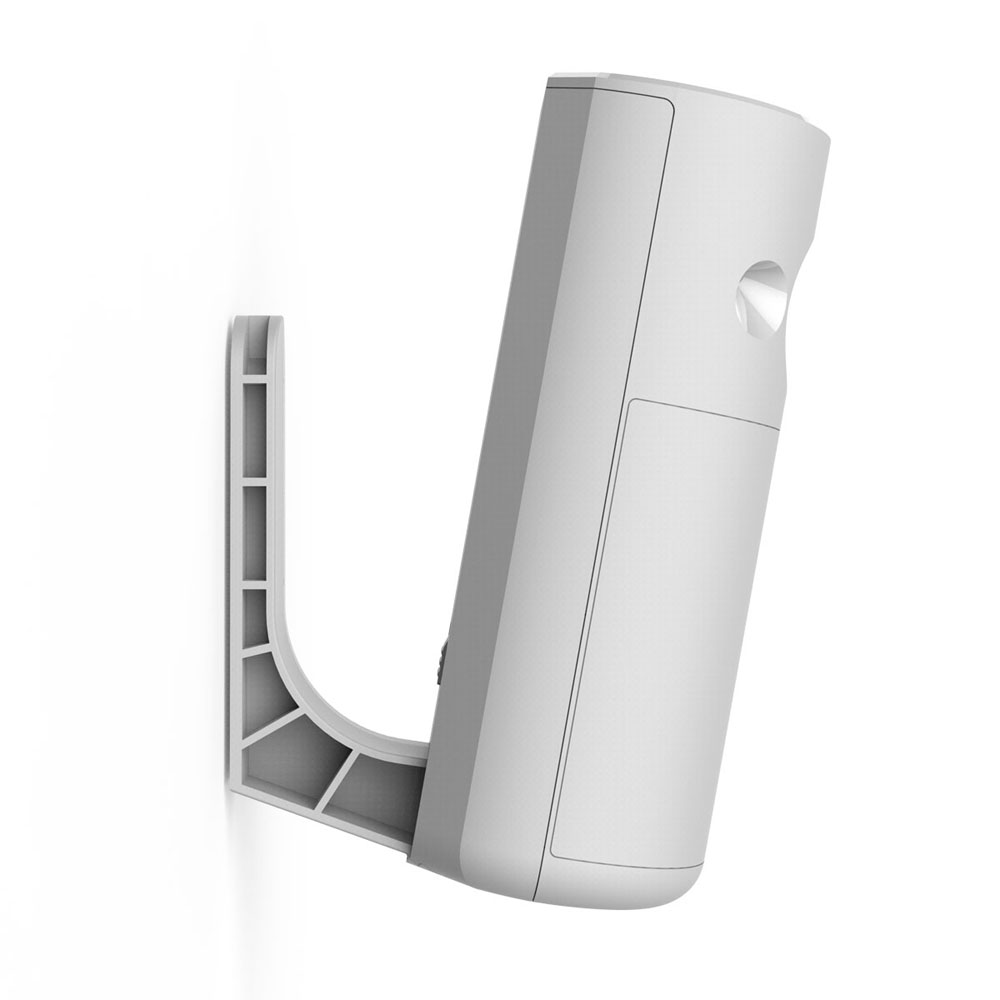
The Indoor MotionViewer can be placed on a flat surface, about at least 6 feet above ground level, to overlook an area of a room. They can also be placed flat on the surface of the wall with the camera being on top.
In the app, you can set Motion Sensors and MotionViewers to ignore the movement of pets up to 79 lbs. (36 kg.), so that you do not receive false alerts.
Products from Smart Home Security System connect to Camera Base Station using Honeywell Secure Protocol, so they can be placed as far away as 300 feet. Actual range might vary based on the size and layout of your home, as well as the construction of your walls. Nevertheless, Smart Home Security has been tested to function normally in most homes.
RCHSIMV1/W Video Guide
Watch this helpful video to learn more about the Honeywell Home Smart Security Indoor MotionViewer- RCHSIMV1.
Read customer ratings and reviews for the Honeywell Home Smart Security Indoor MotionViewer- RCHSIMV1. Learn what other customers have to say about their experiences, including what they liked, how the Honeywell Home RCHSIMV1 Smart Home Security Indoor MotionViewer met their expectations, and any concerns they encountered. These firsthand perspectives can provide helpful information beyond the standard product description.
Browse the reviews to compare customer ratings, explore positive and critical feedback, and make a more informed purchasing decision. If you've purchased or used this product, we encourage you to share your experience and help other shoppers find the right product for their needs.